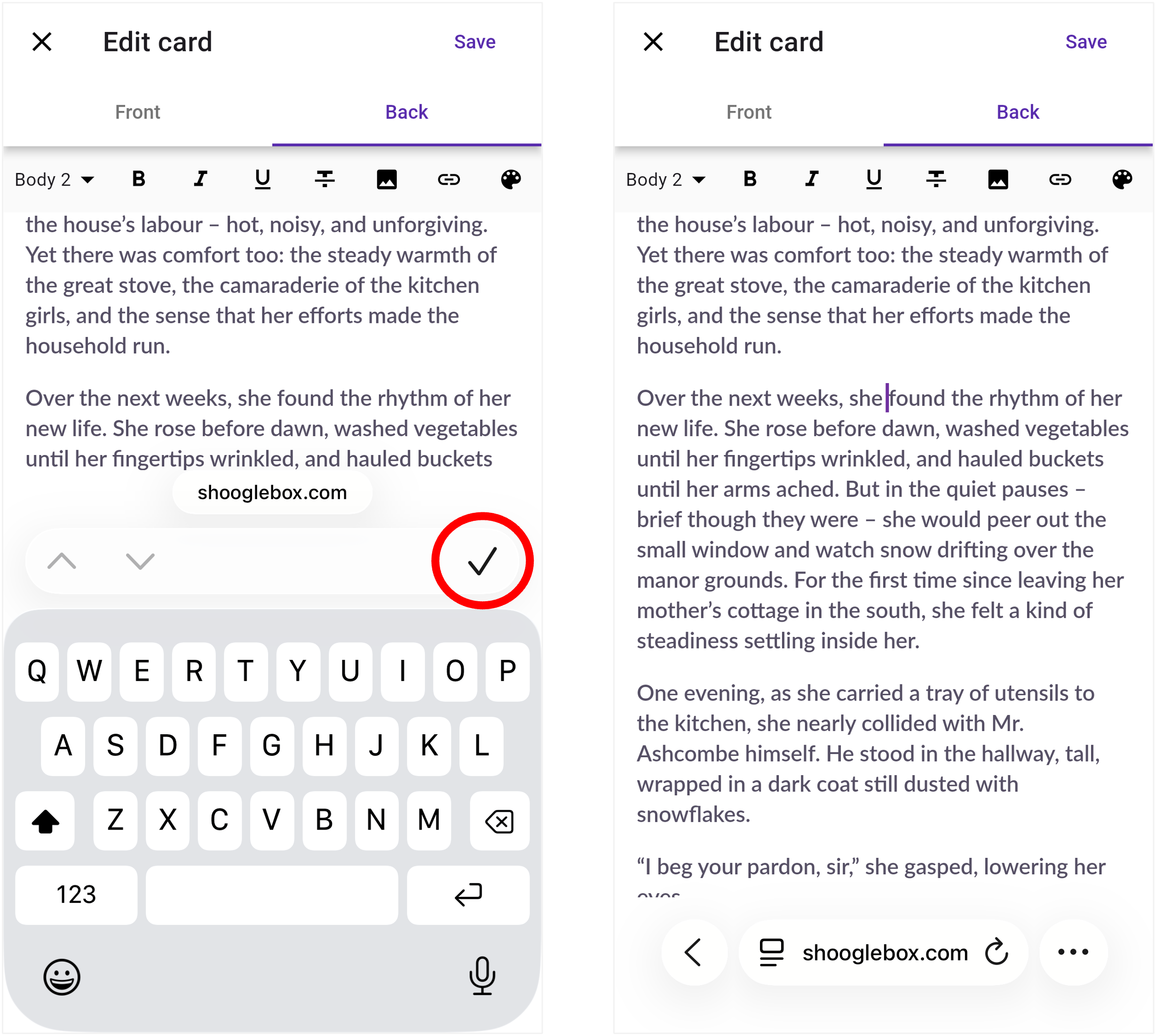
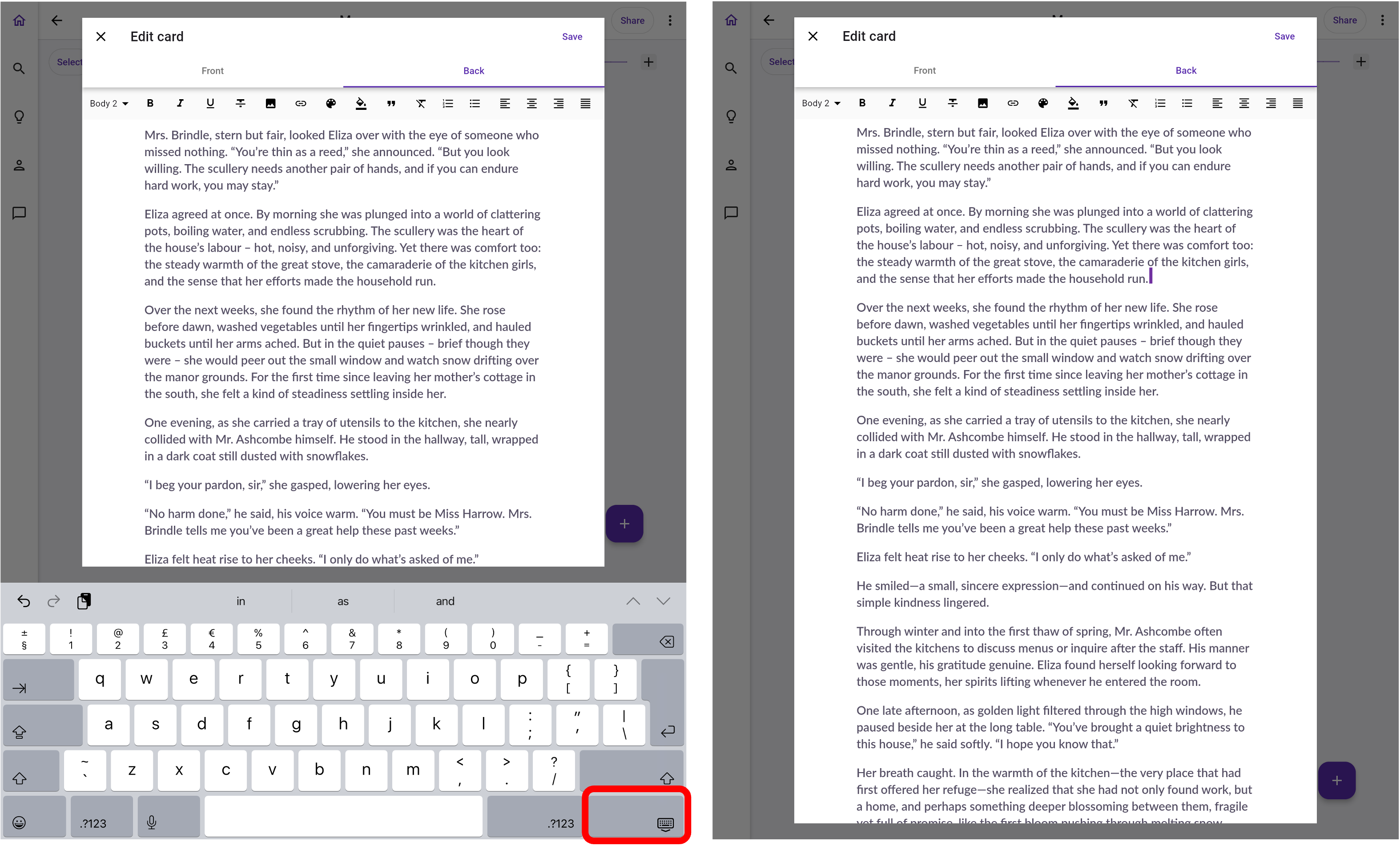
Using touchscreen to reposition your cursor when you’re editing the back of a card requires the on-screen keyboard to be closed when using Shooglebox in a mobile web browser on an iPad or iPhone.
Click the ✓ icon on an iPhone, or the keyboard icon on an iPad, to close the keyboard before tapping where you want the cursor to appear. The keyboard will automatically reappear when you’ve positioned the cursor where you want it.
For the best mobile experience, use the Shooglebox app for iPhone and iPad devices.
Our website uses cookies for a number of things including analytics. By accepting, you agree to our use of such cookies. View our Privacy Policy for more information.